

Description
Download Yoono Desktop – Centralized Social Media Management Tool
Overview
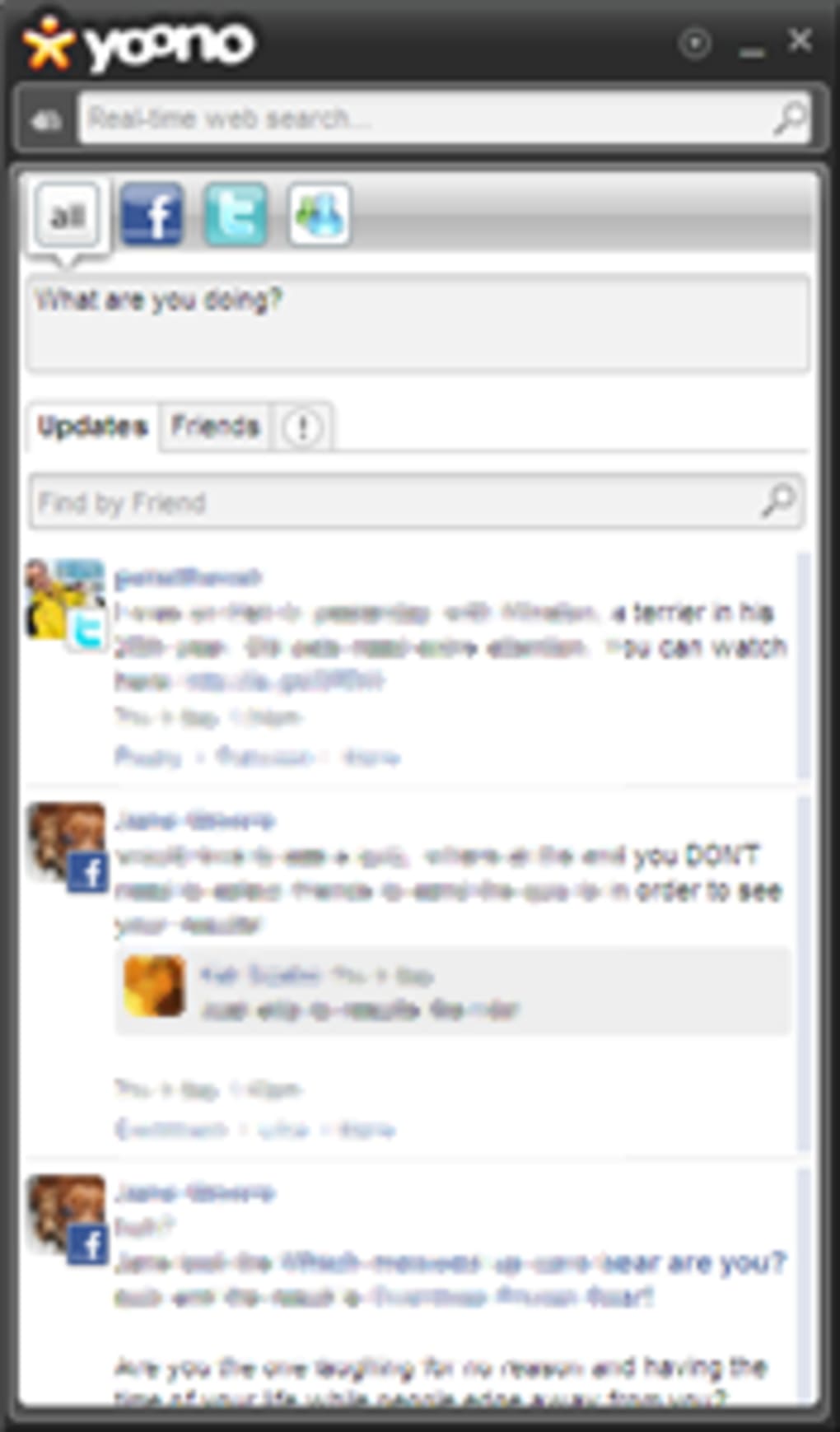
Yoono Desktop is a free, cross‑platform desktop client designed to bring all of your social networking accounts under one roof. If you’ve ever felt overwhelmed juggling Facebook, Twitter, Flickr, AIM, Google Talk, Windows Live Messenger, or Yahoo Messenger, Yoono Desktop offers a single pane of glass where you can monitor updates, post status messages, and interact with friends without hopping between browsers or mobile apps. The interface mimics a classic tabbed window: each network you add appears as a separate tab, while a central “All‑Feeds” view aggregates the latest posts from every service. This makes it especially handy for social media managers, community moderators, or anyone who needs to stay on top of multiple channels in real time.
What sets Yoono Desktop apart from competitors like Hootsuite or Echofon is its lightweight desktop footprint and the fact that it runs locally, meaning your credentials never leave your machine unless you explicitly choose to post. The tool also includes a built‑in mini‑browser that opens external links in a secure sandbox, helping you avoid accidental navigation away from the app. Recent updates have squashed the notorious “loading updates…” loop and fixed compatibility issues with certain Firefox themes, ensuring a smoother experience for Windows users.
Whether you are a seasoned social media strategist or a casual user who wants to keep tabs on friends across different platforms, Yoono Desktop promises a balanced mix of speed, simplicity, and security. In the sections that follow, we’ll dive deeper into its core features, walk you through installation, examine system compatibility, and weigh the pros and cons so you can decide if this free desktop client deserves a spot on your computer.
Key Features of Yoono Desktop
- Unified Tabbed Interface – Separate tabs for each network plus an “All‑Feeds” overview.
- Multi‑Account Support – Add multiple accounts per network (e.g., two Twitter accounts) and switch instantly.
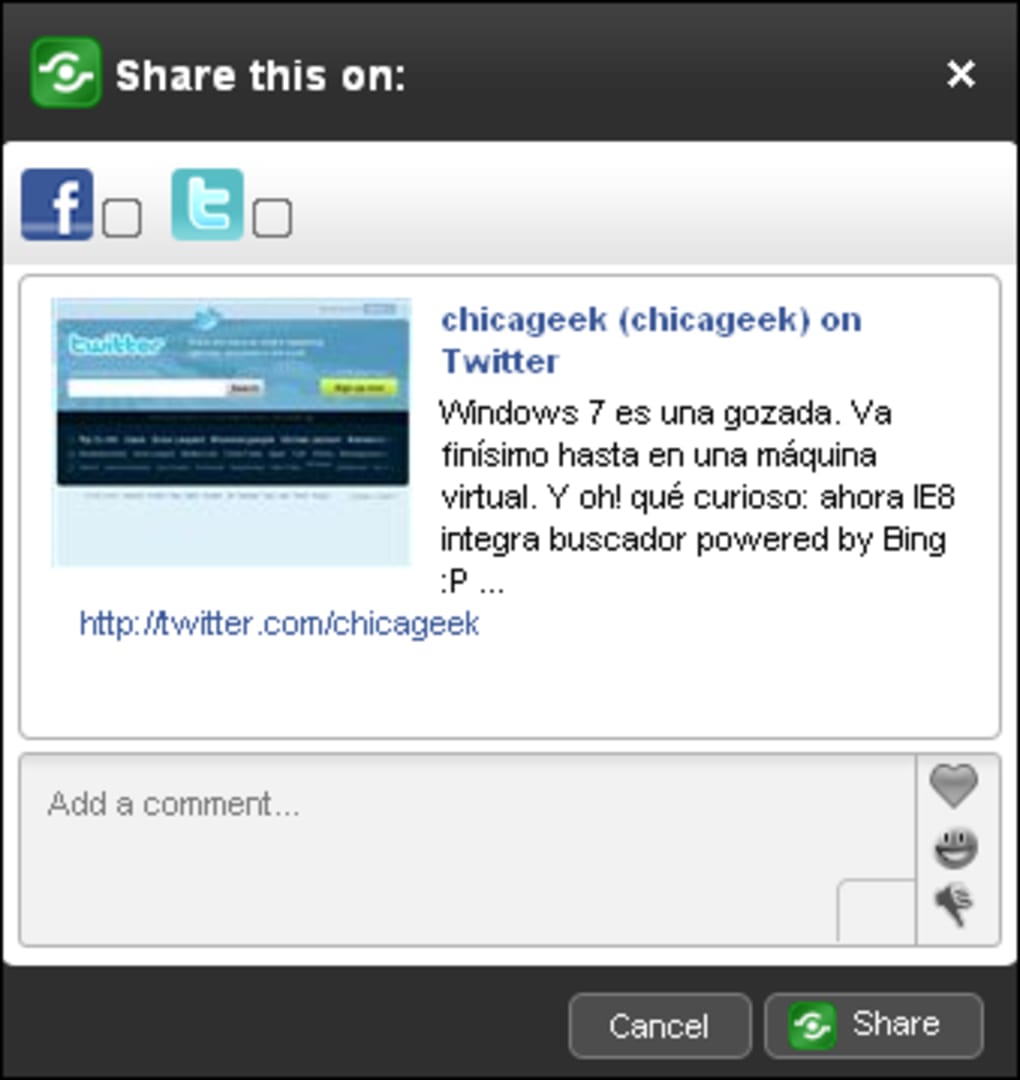
- Instant Posting – Publish status updates, photos, and short messages directly from the desktop.
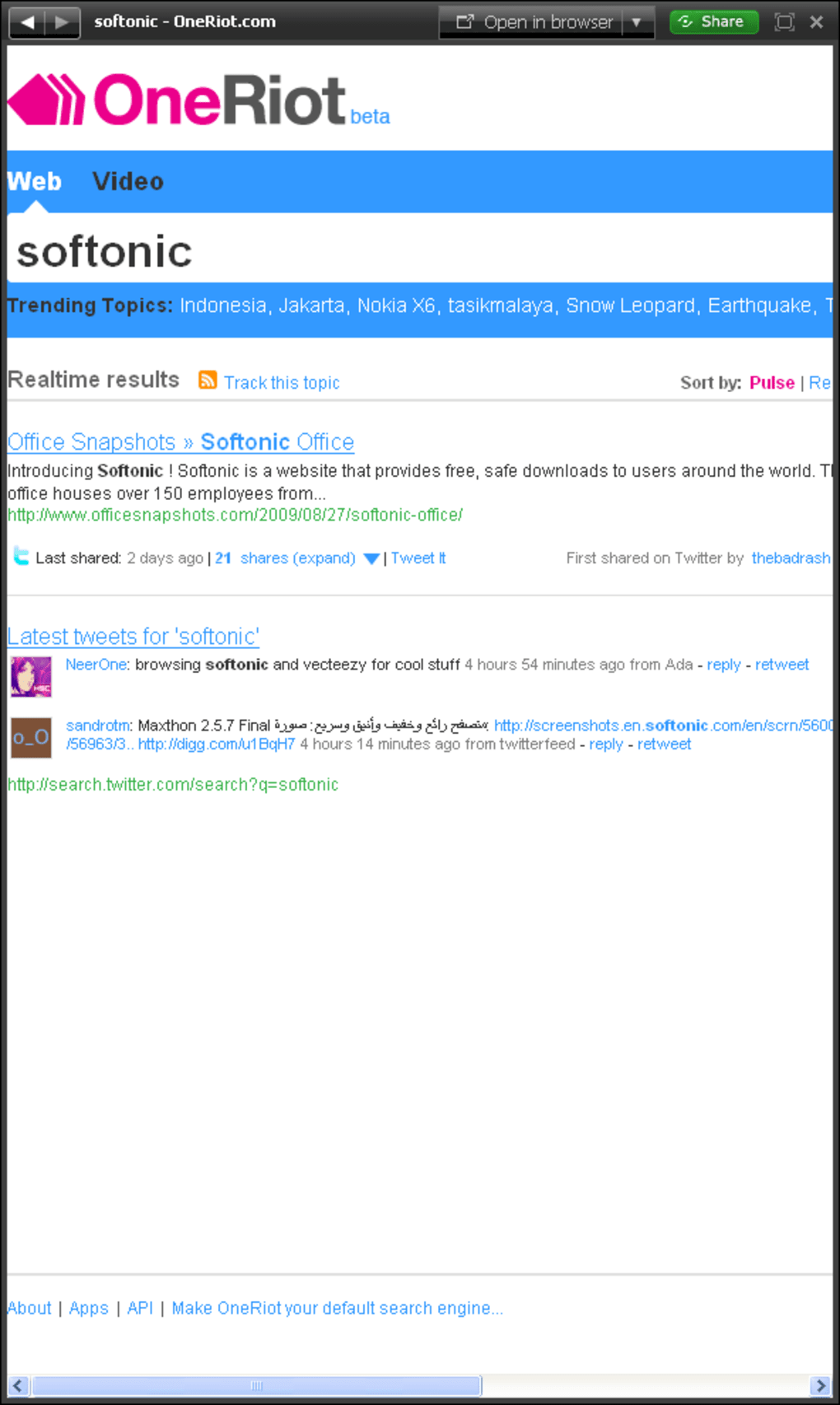
- Embedded Mini‑Browser – Open profile pages or external links without leaving the application.
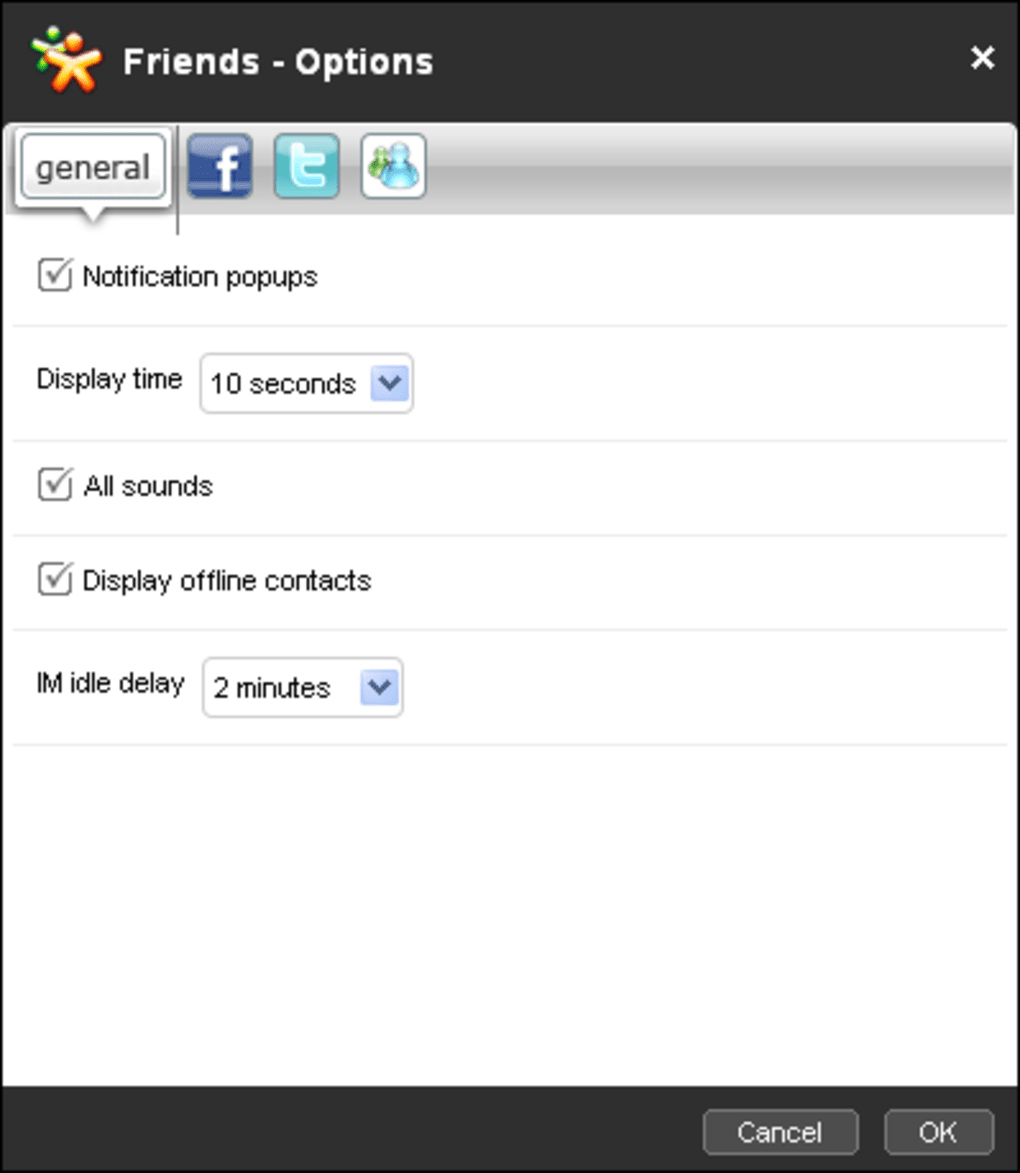
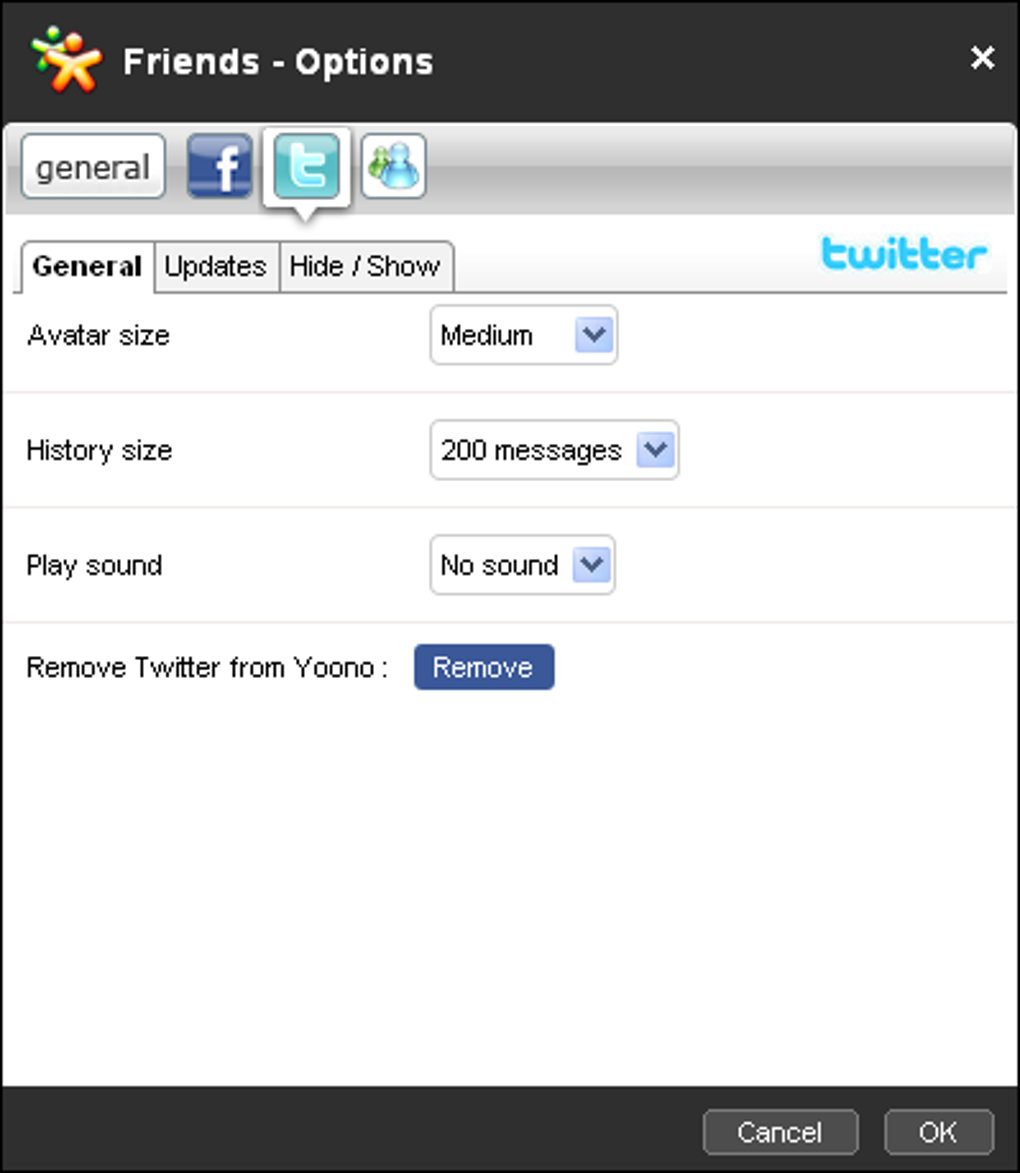
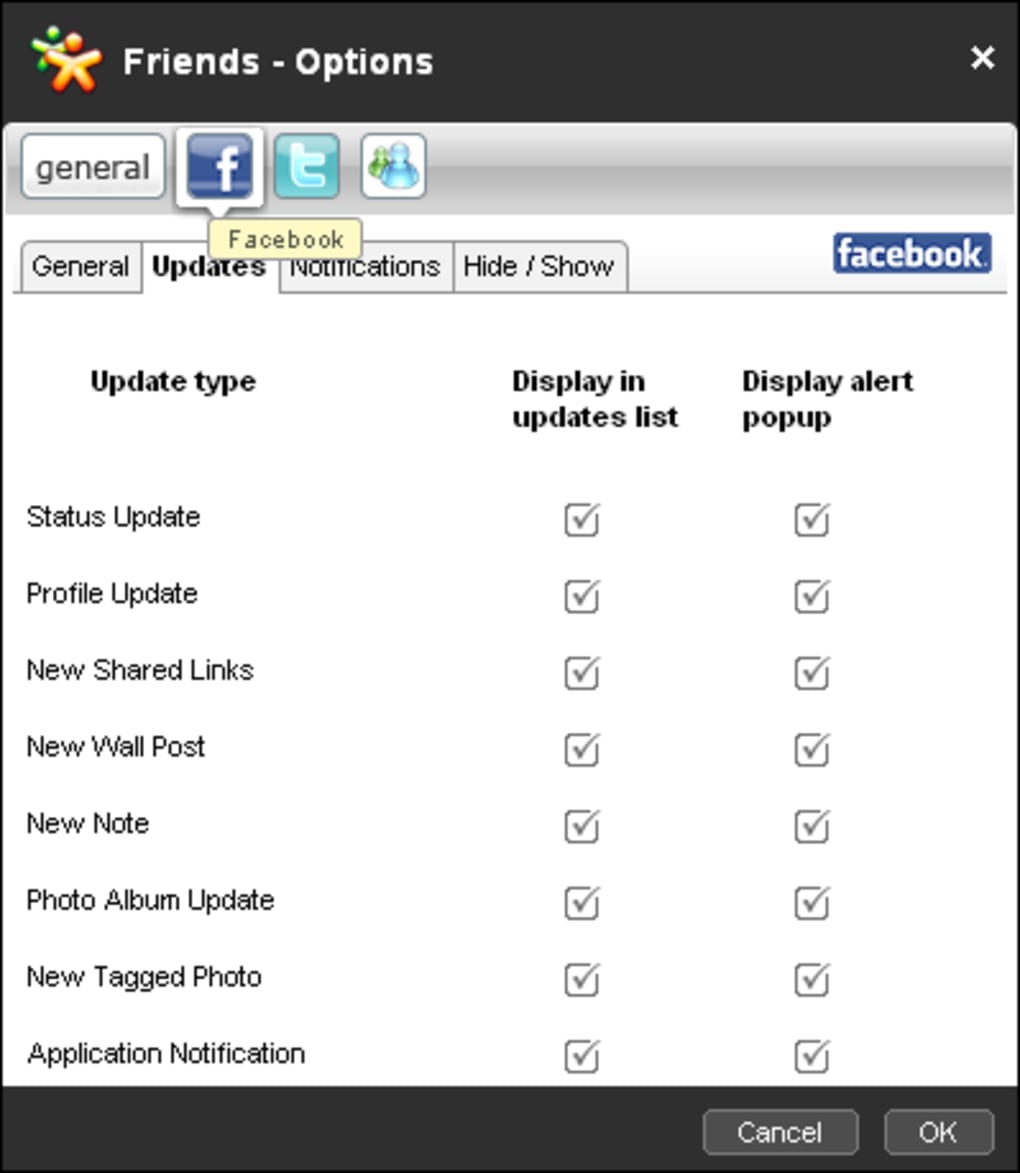
- Customizable Notifications – Set alerts for mentions, private messages, or specific keywords.
- Secure Credential Storage – Passwords are encrypted locally; no cloud sync unless you enable it.
- Cross‑Platform Compatibility – Runs on Windows, macOS, and limited Linux distributions.
- Lightweight Resource Usage – Consumes less than 100 MB RAM on idle, ideal for older machines.
- Free Updates – Regular bug fixes and feature enhancements delivered via the built‑in updater.
- Extensible Plug‑in Architecture – Community‑created add‑ons for extra services like Instagram (via API).
Each feature has been designed with a focus on minimizing the time you spend switching between applications. For instance, the “All‑Feeds” tab aggregates posts in reverse chronological order, letting you see a single stream of activity regardless of the originating network. If you need to respond, just click the reply button next to the post and Yoono Desktop routes the message to the appropriate service automatically.
The notification system can be fine‑tuned to your workflow. You may enable a pop‑up for Facebook comments while muting Twitter mentions, or set a desktop sound alert for incoming AIM chats only during working hours. This granularity helps reduce distraction while ensuring you never miss critical interactions.
Security-conscious users will appreciate the local encryption of login credentials. Yoono Desktop never stores passwords in plain text, and the mini‑browser runs in a sandbox that isolates external content, protecting you from malicious scripts. Together, these features create a reliable, secure hub for daily social media management without the overhead of web‑based dashboards.
Installation & Usage Guide
Getting Yoono Desktop up and running is straightforward, even for users who are not technically inclined. Follow the steps below to download, install, and start managing your social accounts efficiently.
Step‑by‑Step Installation
- Download the installer from the official Yoono website. Choose the version that matches your operating system (Windows 10/11, macOS 10.15 or later, or the provided Linux .deb package).
- Run the installer. On Windows, double‑click the .exe file and follow the wizard prompts; on macOS, drag the Yoono Desktop icon into your Applications folder; on Linux, use
sudo dpkg -i yoono‑desktop.deb. - Accept the Terms of Service. The first launch will present a brief agreement; click “Accept” to continue.
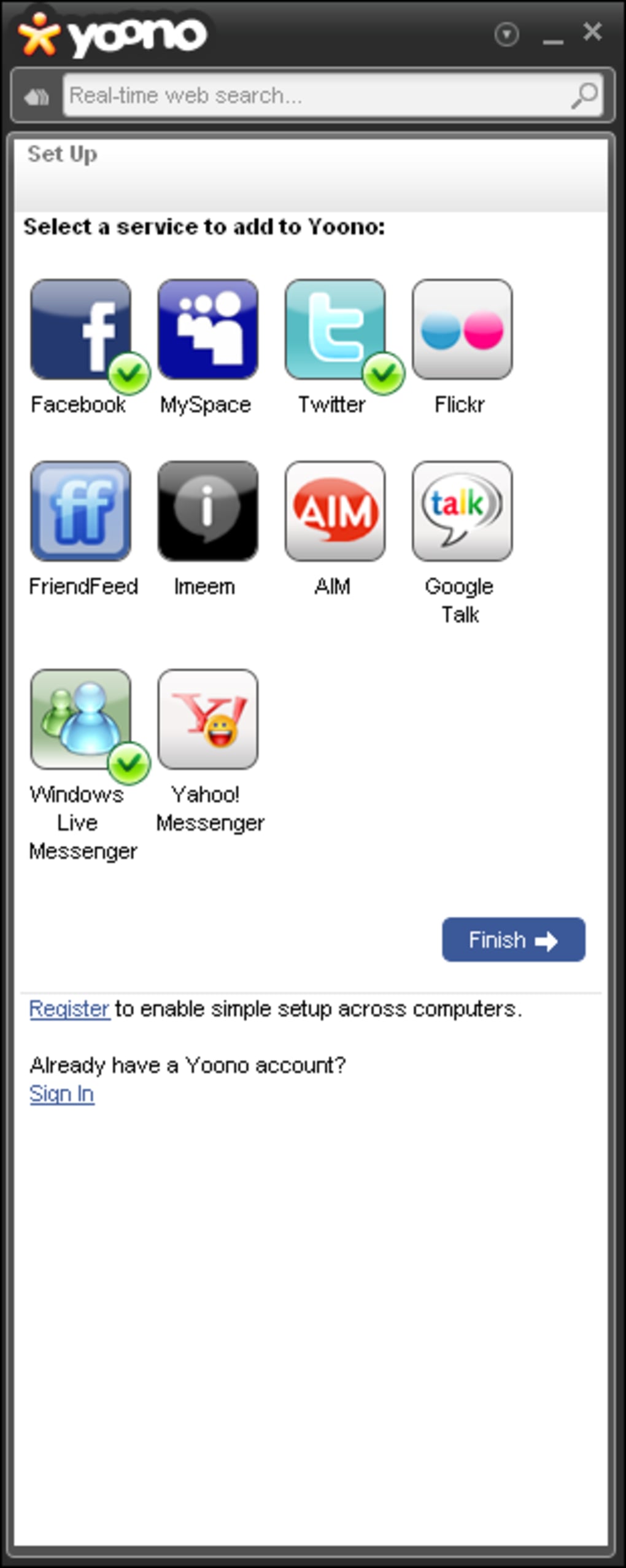
- Configure your accounts. The setup wizard asks you to select the social networks you wish to connect. Click the checkboxes for Facebook, Twitter, Flickr, AIM, Google Talk, Windows Live Messenger, and Yahoo Messenger as needed.
- Enter login credentials. For each selected network, you’ll be prompted to input your username/e‑mail and password. Yoono Desktop encrypts this data locally.
- Finish and launch. After the wizard completes, the main interface opens with a default “All‑Feeds” tab ready to display the latest updates.
Basic Navigation
The top of the window displays tabs for each connected network. Clicking a tab switches the view to that service’s feed, while the “All‑Feeds” tab shows a combined stream. Each post includes icons for reply, like, retweet/re‑share, and open‑in‑browser. Use the search bar at the top to filter posts by keyword or author.
To post a new status, select the network you want to publish to (or choose “All‑Feeds” for cross‑post where supported), type your message in the composer box, attach an image if desired, and hit “Send”. Yoono Desktop automatically formats the post according to each platform’s character limits and media requirements.
For power users, the Settings menu (gear icon) offers advanced options such as notification preferences, proxy configuration, and plug‑in management. Remember to run the built‑in updater regularly; the software checks for patches on startup and notifies you when a new version is available.
Supported Operating Systems: Windows 10/11 (64‑bit), macOS 10.15 Catalina and later, Ubuntu 18.04+ (via .deb). The application is not officially supported on mobile platforms, but a lightweight companion app exists for iOS and Android for notification sync only.
Pros and Cons of Yoono Desktop
Advantages
- All‑in‑One Dashboard: Eliminates the need to switch browsers or mobile apps.
- Free and Regular Updates: No subscription fees, with bug fixes delivered automatically.
- Secure Local Storage: Credentials encrypted on your machine, reducing cloud exposure.
- Low System Footprint: Runs smoothly on older hardware.
- Customizable Alerts: Fine‑tune notifications per network.
Drawbacks
- Limited Mobile Integration: No full‑featured mobile app, only desktop‑focused.
- Mini‑Browser Constraints: The embedded browser resists resizing, which can be cumbersome.
- Partial Feature Parity: Some advanced features (e.g., scheduled posts) are missing compared to premium tools.
- Windows‑Centric UI: macOS users may notice a slightly less polished appearance.
- Dependency on APIs: If a social network changes its API, functionality may temporarily break.
Overall, Yoono Desktop strikes a solid balance between functionality and simplicity. It excels for users who want a free, secure desktop client to stay on top of everyday social interactions. The lack of advanced scheduling and mobile sync may push power users toward paid services, but for its target audience—social hobbyists, small business owners, and community moderators—the benefits outweigh the minor inconveniences.
Frequently Asked Questions
Is Yoono Desktop completely free?
Yes, Yoono Desktop is offered at no cost. All core features, including multi‑account support and the built‑in mini‑browser, are free. Optional plug‑ins created by the community may have separate licensing, but the base application remains free.
Can I use Yoono Desktop on macOS?
Absolutely. Yoono Desktop provides a native macOS bundle compatible with macOS 10.15 Catalina and later. The installation process mirrors the Windows version—drag the app to the Applications folder and launch.
How does Yoono Desktop handle my login credentials?
Credentials are encrypted locally using AES‑256 before being stored on your hard drive. They never leave your computer unless you explicitly export them, ensuring a high level of privacy.
What should I do if a network stops updating in Yoono Desktop?
First, check for an available software update, as API changes are often addressed in patches. If the problem persists, verify your login credentials for that network, and consider re‑authorizing the connection in the Settings panel.
Does Yoono Desktop support scheduling posts?
Scheduling is not a built‑in feature of the current release. Users who need advanced scheduling may combine Yoono Desktop with external tools or wait for future plug‑in support.
Conclusion – Should You Download Yoono Desktop?
If you’re looking for a fast, free, and secure way to keep tabs on multiple social networks without the distraction of a web browser, Yoono Desktop delivers exactly that. Its unified dashboard, encrypted credential storage, and lightweight design make it an attractive option for freelancers, small business owners, and anyone who prefers a desktop‑centric workflow. While the embedded browser’s resizing limitation and the absence of advanced scheduling may be minor drawbacks, they do not outweigh the core benefits of centralization and privacy.
Ready to streamline your social media routine? Download Yoono Desktop now and start managing all your accounts from a single, secure window. Remember to check for updates regularly to enjoy the latest fixes and new features.
Guides & Tutorials for Yoono Desktop
How to install Yoono Desktop
- Click the Preview / Download button above.
- Once redirected, accept the terms and click Install.
- Wait for the Yoono Desktop download to finish on your device.
How to use Yoono Desktop
This software is primarily used for its core features described above. Open the app after installation to explore its capabilities.
User Reviews for Yoono Desktop 0
No reviews found





